Features
AI chat, agents, images, video, research, files, writing, voice, and coding.
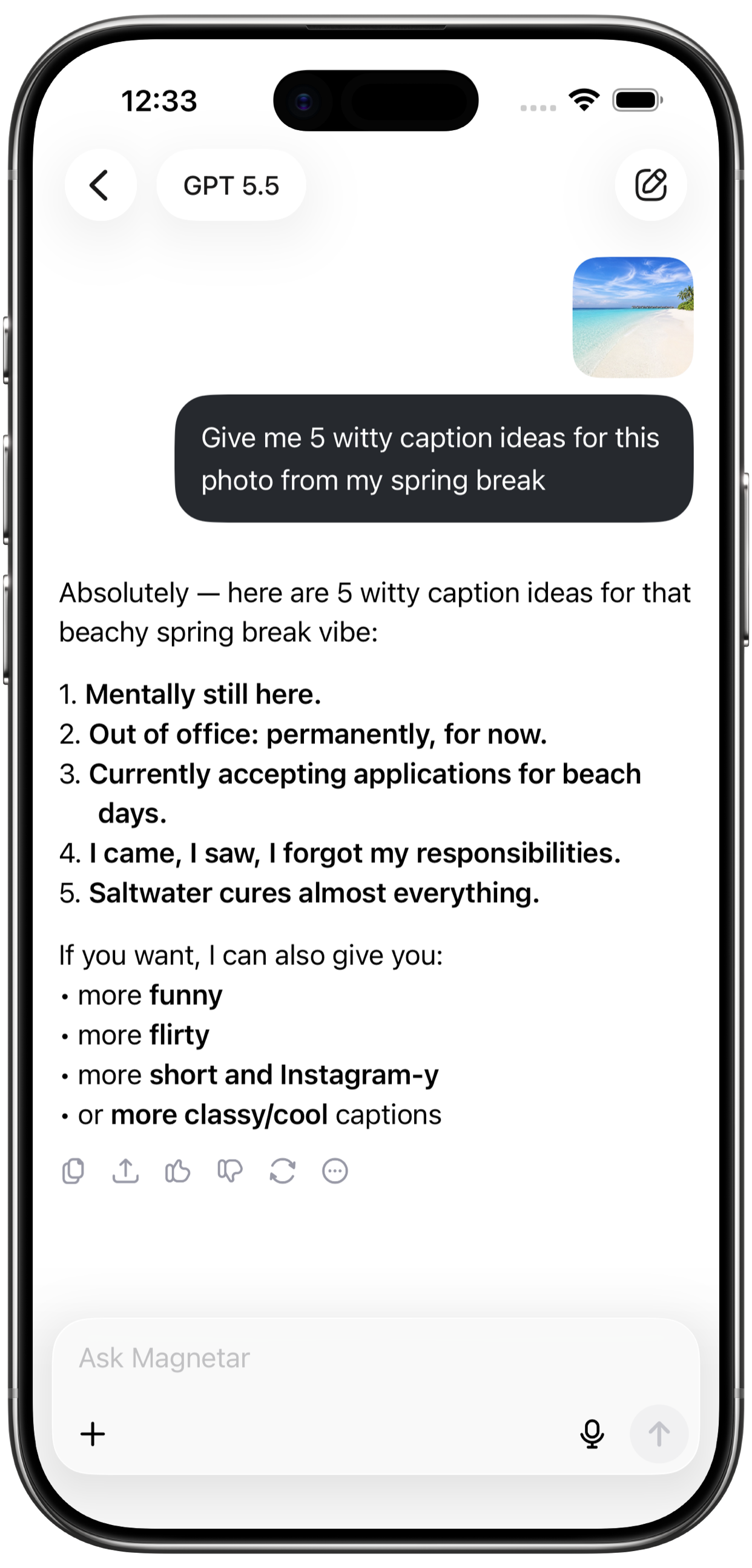
Ask Magnetar anything and move from idea to result faster. Built for creating, studying, researching, designing, coding, planning, and writing.
 Magnetar
 Features
Ask Magnetar anything and move from idea to result faster. Built for creating, studying, researching, designing, coding, planning, and writing.
Create image + Create video
Create AI videos from your ideas and explore video tools for stories, visual content, concepts, creative posts, and motion experiments.
Web search + Analyze docs
Upload files and ask questions, summarize documents, notes, and long text, extract key points, and turn complex information into clear answers.
Elite tools

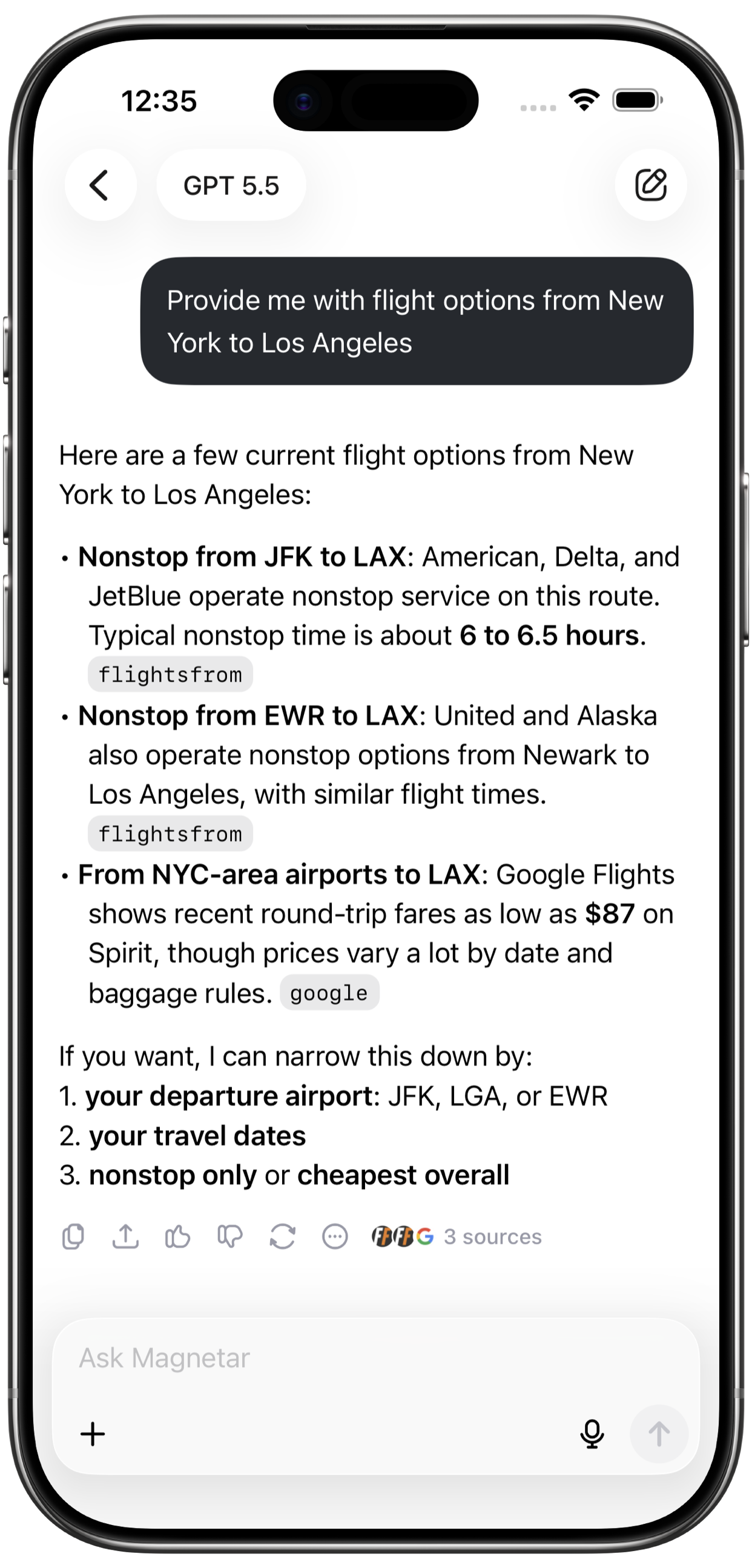
Search the web for fresh information and turn complex topics into clear answers.

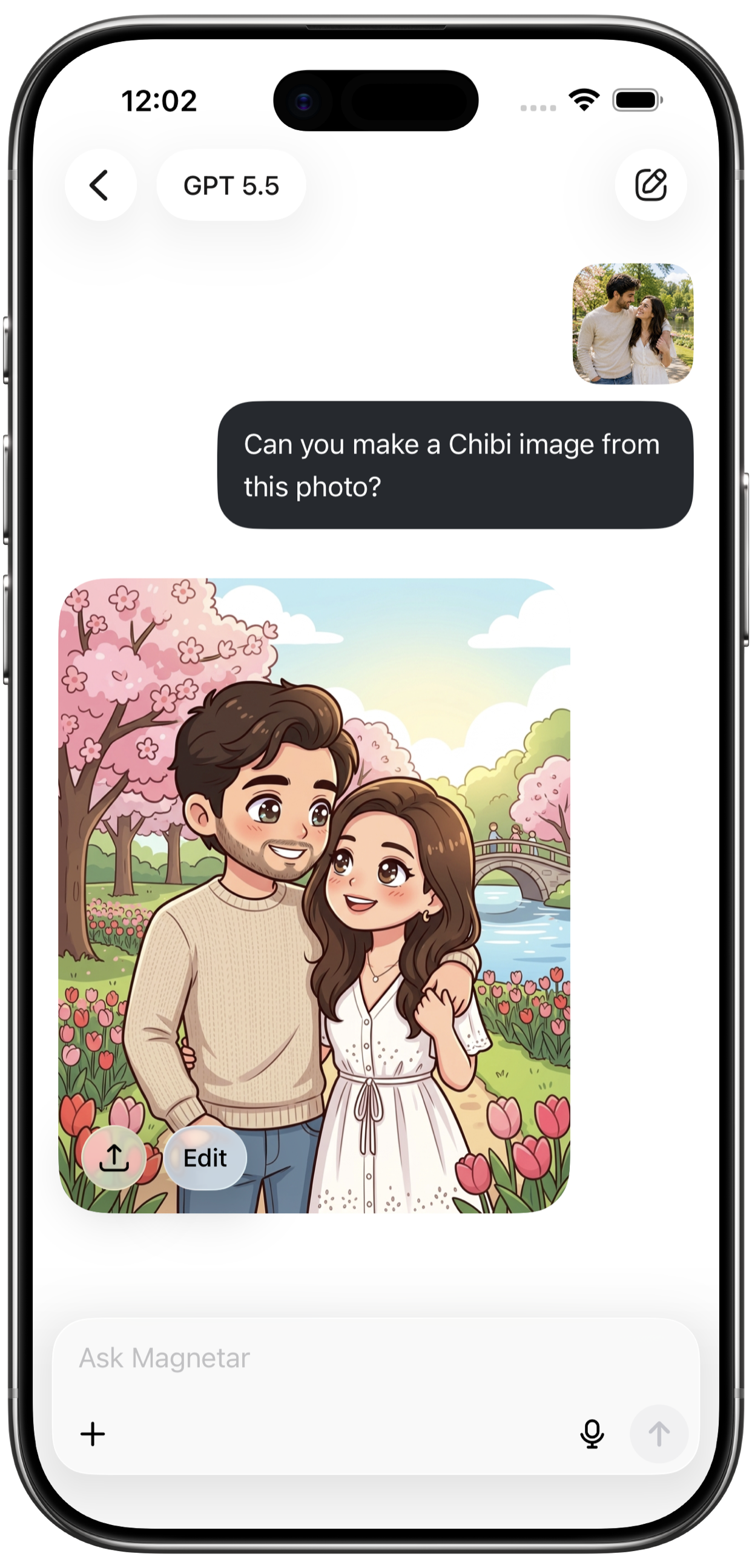
Turn prompts into images for social posts, concepts, design ideas, thumbnails, and stories.

Restyle photos, edit visuals, and move from rough idea to polished direction.

Create AI videos from your ideas and explore motion-ready visual content.

Upload files, ask questions, summarize documents, and extract key points.

Talk with Magnetar hands-free when typing is too slow.
Built for doing
Built for creating, studying, researching, designing, coding, planning, and writing.
Create visuals, edit images, generate videos, write content, and brainstorm ideas.
Ask questions, learn faster, summarize files, and turn notes into clear answers.
Plan tasks, write content, summarize documents, research topics, and move faster.
Write code, fix bugs, understand errors, and plan features or scripts.
Search the web, research topics, summarize files, and extract key points.
Talk naturally, brainstorm hands-free, and ask questions when typing is too slow.
AI technology
Chat with powerful AI models for answers, planning, writing, learning, productivity, creativity, coding, and problem solving.
Choose from powerful chat models for answers, planning, writing, learning, productivity, coding, creativity, and problem solving.
Use three image model options for prompt-to-image, image editing, creative visuals, style exploration, and design ideas.
Create AI videos from your ideas and explore motion-ready visual content.
Agents
Use focused AI agents for work, study, creativity, wellness, travel, content, coding, communication, and everyday problem solving.
 Study coach Learn faster with clear practice.
  Email writer Write clear, polished emails fast.
  Work guide Handle work challenges with confidence.
  Summarizer Turn long text into quick key points.
  Text master Make your writing cleaner.
  Interview coach Practice confident interview answers.
  Code helper Debug code and write snippets.
  Money guru Make smarter everyday money decisions.
  Wellness pro Build healthier habits and routines.
  Diet planner Plan meals and improve eating habits.
  Travel mate Plan memorable and stress-free trips.
  Supporter Talk through what feels heavy.
  Post writer Create engaging posts for any platform.
  Reply maker Craft fast and smart message replies.
  Content pro Plan and improve your content strategy.
  Love expert Get clarity on dating and love.
  Role player Practice real-life conversations.
 Built for doing
Use Magnetar for image generation, image editing, video creation, writing, brainstorming, thumbnails, stories, social posts, and visual content.
Use Magnetar for productivity, planning, writing, research, file analysis, brainstorming, and turning work into next steps.
Chat, create visuals, edit images, generate videos, research topics, summarize files, write content, solve coding problems, and talk naturally with voice.
Available on iPhone
Today, magnetar.chat is the official home for Magnetar, product information, privacy, terms, and support. The full AI workspace is available in the iOS app.
Download Magnetar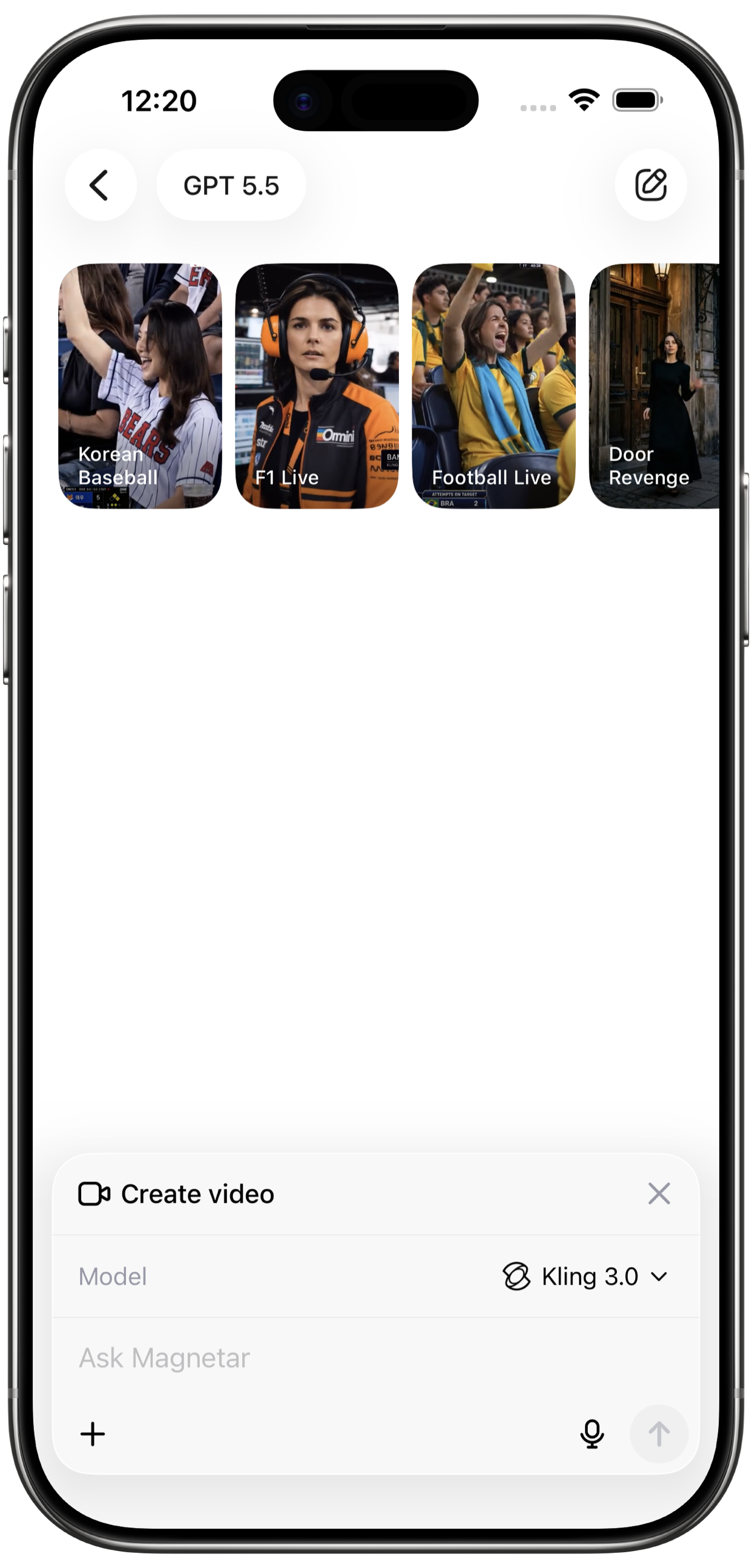

Plans
Start with everyday AI chat and explore Magnetar on iPhone.
Try freeMore room for everyday conversations
Upgrade to ProHighest capacity for serious work
Upgrade to UltraMagnetar is an AI agent app for iPhone that brings chat, focused agents, image generation, image editing, AI video, web research, file analysis, writing, coding, and voice chat into one workspace.
Ask questions, create visuals, edit images, generate videos, research topics, summarize files, write content, brainstorm ideas, solve coding problems, plan workflows, study faster, and talk naturally with voice chat.
The website is the official home for product information, support, privacy, terms, blog, and App Store download. The full AI workspace is currently available in the iOS app.
Magnetar supports saved chat history so you can continue conversations and track work over time, depending on your account state, settings, and feature availability.
You can start multiple AI tasks and keep track of progress from history. Long-running creative or research tasks can continue while you browse, plan, or work. Ultra users can run up to 20 active tasks at the same time.
Magnetar can turn prompts into images, restyle photos, edit visuals, and create AI videos from ideas for social posts, concepts, thumbnails, stories, design directions, and visual content.
Yes. Magnetar can search the web for fresh information, help research topics, compare context, summarize findings, and turn complex information into clearer answers.
Yes. Magnetar supports file-aware workflows such as asking questions about documents, summarizing notes and long text, extracting key points, and converting complex material into practical next steps.
Chat, create visuals, edit images, generate videos, research topics, summarize files, write content, solve coding problems, and talk naturally with voice.