Create
Generate images, edit visuals, restyle photos, turn ideas into videos, draft captions, and explore visual directions for content, design, stories, thumbnails, and social posts.
 Magnetar
 Tools
Magnetar keeps creative tools, research tools, file tools, writing tools, coding tools, and voice chat close to the conversation so you can keep moving from idea to result.
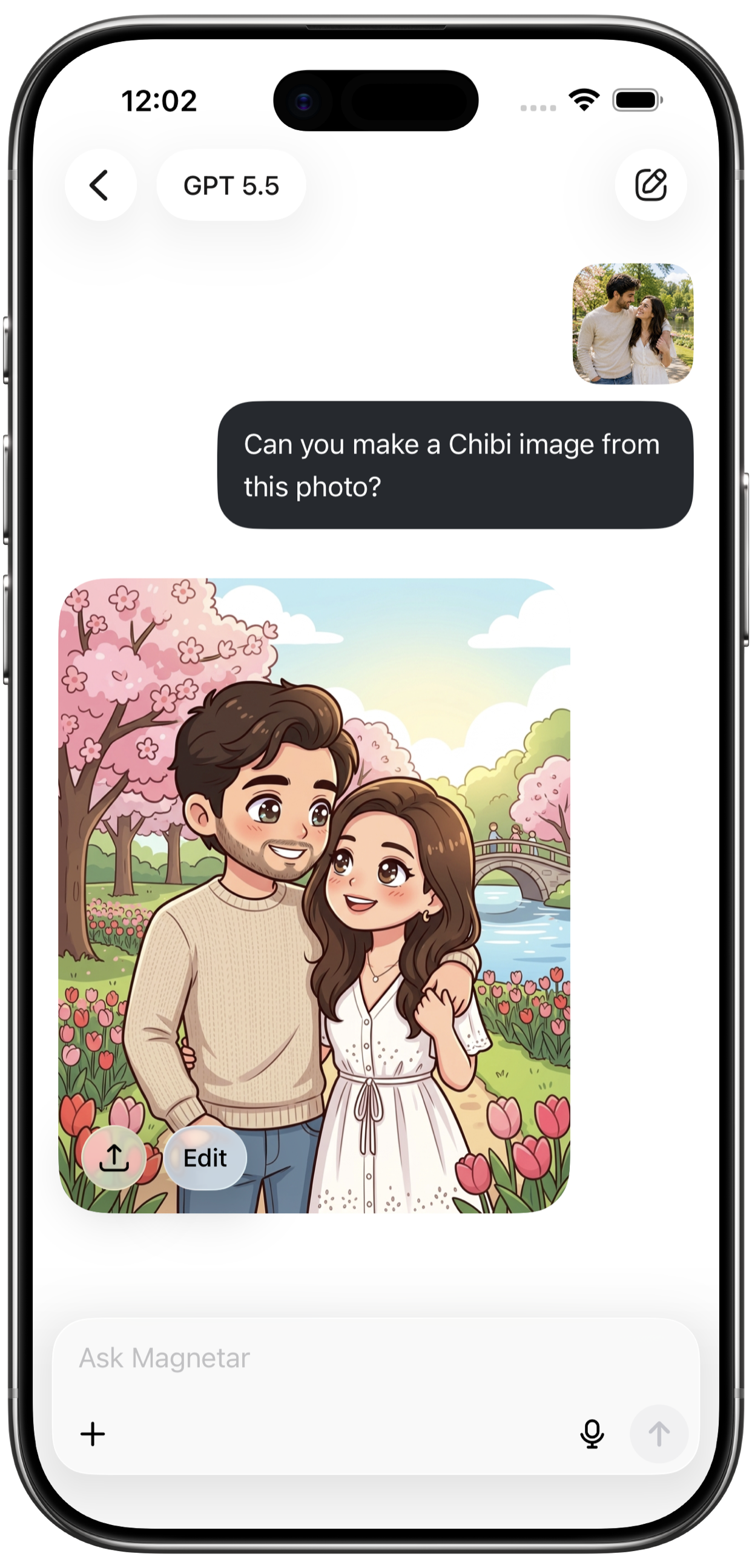
Generate images, edit visuals, restyle photos, turn ideas into videos, draft captions, and explore visual directions for content, design, stories, thumbnails, and social posts.
Search the web, compare information, summarize sources, extract key points, and turn complicated topics into clearer answers that are easier to use.
Upload documents, notes, and long text. Ask questions, summarize sections, identify takeaways, and convert dense material into useful next steps.
Draft emails, posts, outlines, summaries, replies, scripts, product copy, study notes, brainstorming lists, and polished versions of rough text.
Write snippets, understand errors, fix bugs, plan features, think through product flows, draft prompts, and create scripts from your phone.
Talk hands-free when typing slows you down. Brainstorm, ask follow-ups, and capture ideas naturally with voice chat.
Core tools
Use Magnetar for creative exploration, productivity, studying, research, coding, planning, writing, and everyday problem solving.

Search the web for fresh information and turn complex topics into clear answers.

Turn prompts into images for social posts, concepts, design ideas, thumbnails, and stories.

Restyle photos, edit visuals, and move from rough idea to polished direction.

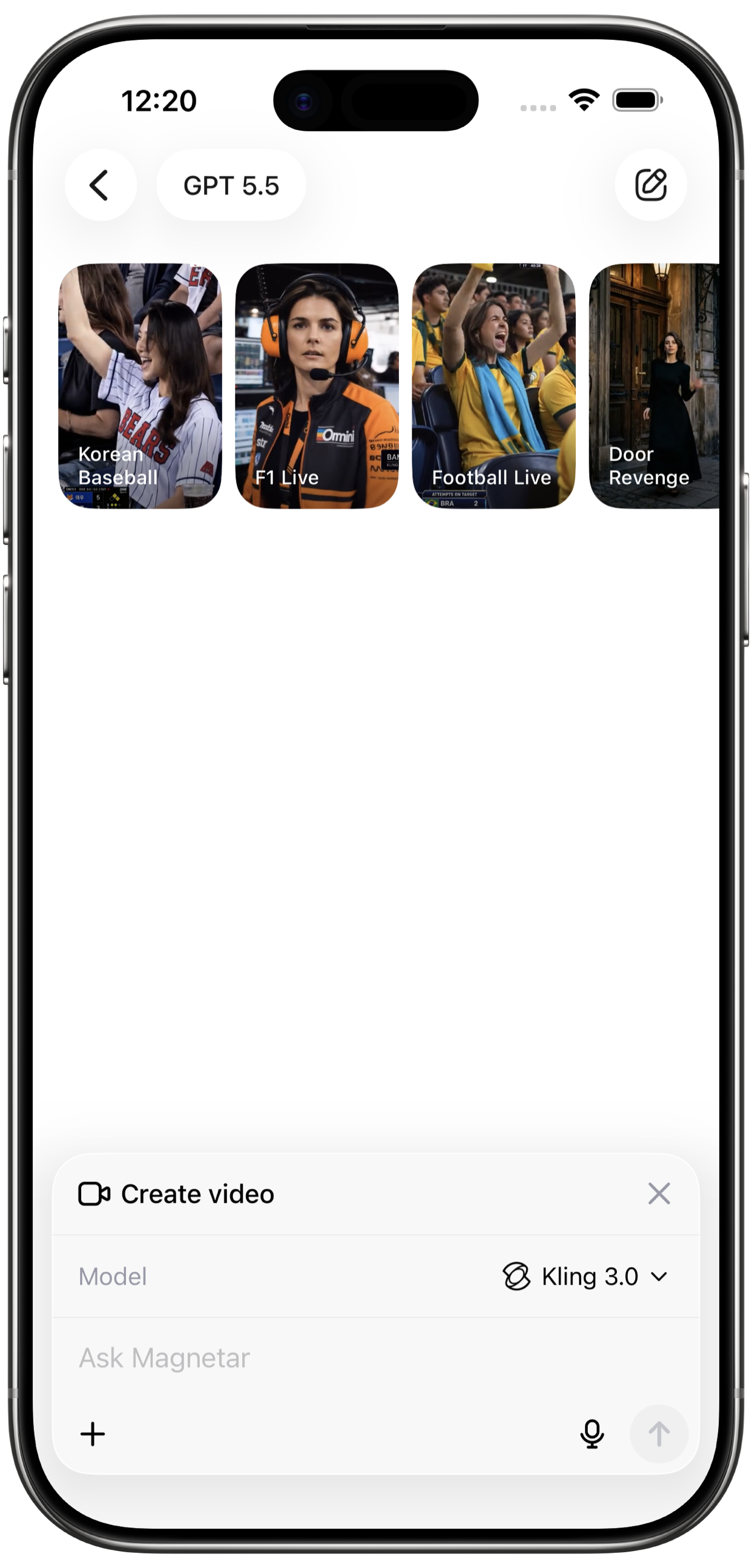
Create AI videos from your ideas and explore motion-ready visual content.

Upload files, ask questions, summarize documents, and extract key points.

Talk with Magnetar hands-free when typing is too slow.
Multiple tasks
Start multiple AI tasks and track progress from history. Continue browsing, planning, or working while image, video, research, or file tasks finish. Ultra users can run up to 20 active tasks at the same time.
Use it for
Create visuals, edit images, generate videos, write content, and brainstorm ideas.
Ask questions, learn faster, summarize files, and turn notes into clear answers.
Plan tasks, write content, summarize documents, research topics, and move faster.
Write code, fix bugs, understand errors, and plan features or scripts.
Search the web, research topics, summarize files, and extract key points.
Talk naturally, brainstorm hands-free, and ask questions when typing is too slow.