Why it matters
Restyle photos, edit visuals, and move from rough idea to polished direction.
 Magnetar
 Feature
Restyle photos, edit visuals, and create new versions from your ideas for creative work, design, content, and visual exploration.
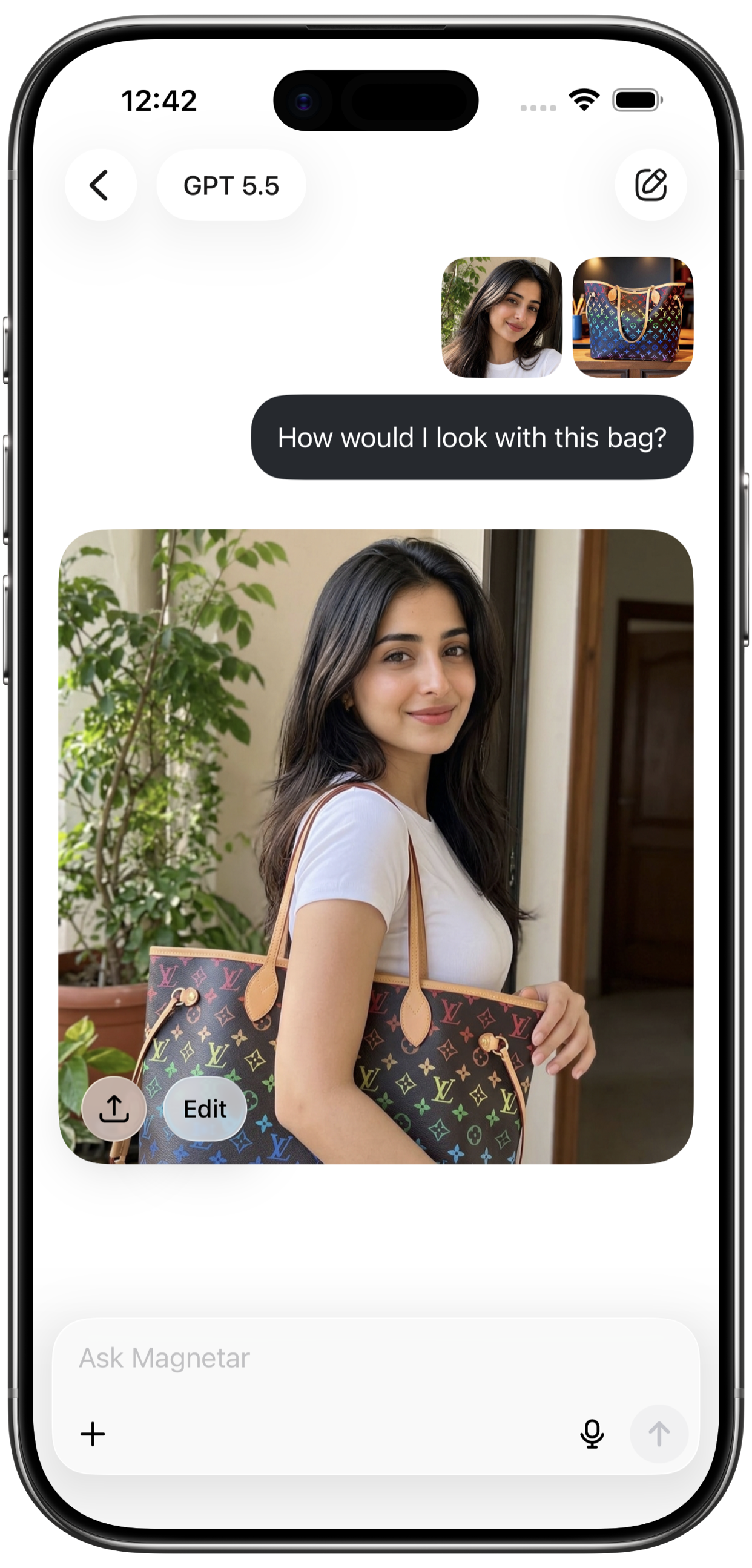
Restyle photos, edit visuals, and move from rough idea to polished direction.
GPT 5.5, Claude Opus 4.7, Gemini 3.1 Pro, Grok 4.1 Fast, DeepSeek V4 Pro and other creative tools inside the app.
Create, Study, Work, Code workflows, plus everyday questions and planning.
Workflow
Restyle photos, edit visuals, and create new versions from your ideas for creative work, design, content, and visual exploration.
Use plain language, prompts, files, images, or follow-up questions. Magnetar helps turn a rough idea into a clearer direction without forcing you into a separate single-purpose tool.
Ask for shorter, deeper, more visual, more practical, or more structured versions. Iterate until the answer, image, video idea, summary, or code direction is useful.
AI can be wrong or incomplete. Review outputs before publishing, relying on them, or using them for professional, legal, medical, financial, academic, or safety-sensitive decisions.